
Phishing & rogue dapps
Approval prompts arrive faster than you can read them. A single misclick on a malicious site can empty a balance — unless a card tap stands between the prompt and the signature.
The Key to the
WATS World.
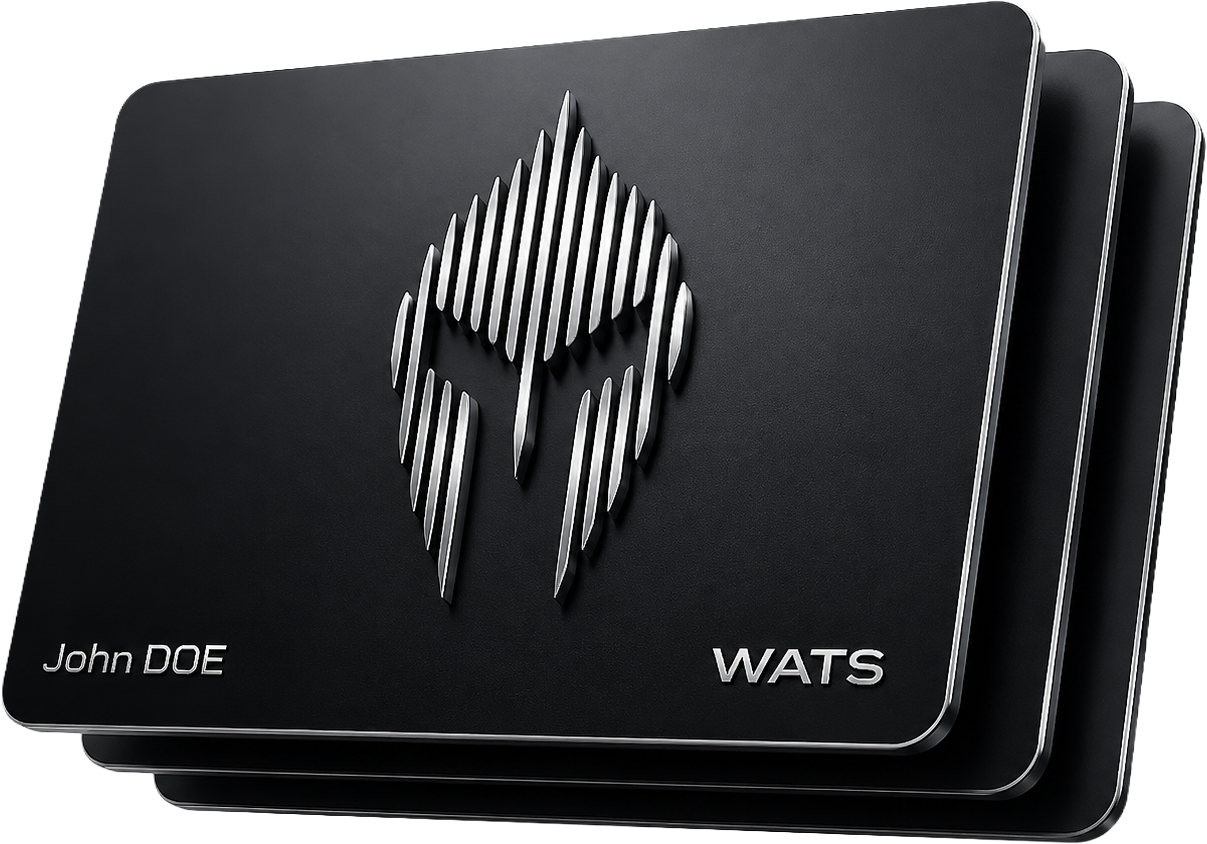
The Wats Wallet NFC security card is a physical tap-to-approve second factor for self-custody crypto users who run a mobile hot wallet. Every transfer, swap, bridge, and login waits for a tap of the card before it signs — your keys never leave the phone, and the card never holds them. Available in 304 stainless steel or plastic: no battery, no wear, lifetime durable.
§ 02 / Rationale
Wallet attack vectors
Phishing, clipboard hijacking, and a stolen phone all fail when a physical card tap is required to sign.
These are the wallet attacks the card is built to stop. An unlocked phone or a hijacked session can drain a wallet in seconds — once a transaction is broadcast on-chain it is irreversible. The card adds a physical step every signature must pass through: no card, no signature, no loss.
Approval prompts arrive faster than you can read them. A single misclick on a malicious site can empty a balance — unless a card tap stands between the prompt and the signature.
Malware swaps the recipient address at paste time. Without a physical confirmation step the swap goes unnoticed; the card forces you to look again before the chain accepts the send.
If your phone is unlocked, your wallet is unlocked. The card stays in your physical possession, so a lost or borrowed phone alone cannot move funds.
§ 03 / Protocol
Operational procedure
Order once, pair once over NFC, then tap to approve every transaction.
Here is how the card fits into everyday use, from order to approval. Pair the card once. After that every transfer, swap, bridge, and login inside the Wats Wallet waits for a tap before it signs. The card never transmits private keys.
Select a set and card design. No store account required. Shipping and billing are collected by the payment processor.
Open the Wats Wallet mobile app, tap the card on the back of your phone via NFC, and link it to your wallet. The pairing happens locally on the device.
From this point on, every send, swap, bridge, and login asks for a card tap. The phone holds the keys; the card holds your final say.
§ 04 / Activation
Mobile companion · iOS & Android
The card does nothing on its own — it is activated and used through the Wats Wallet app. The cards ship blank and inactive. The Wats Wallet mobile app pairs them with your wallet via NFC and stores the link locally. From that moment on, every send, swap, bridge, and login waits for a tap.
Wats · v2.4
Hold the card flat against the back of your phone.
Searching · NFC
Download
Keep your card on you. Tap it on the back of your phone to approve every transfer, swap, bridge, or login you initiate inside the Wats Wallet. The card is a passive NFC device — it never reveals private keys, it only confirms that you are physically present.
01
Free on iOS and Android. Create a Wats Wallet account inside the app — only the hot wallet bound to that account understands the card.
02
NFC-tap the card on the back of your phone. The app reads its serial and binds it to your wallet on the device.
03
From now on every transfer, swap, bridge, and login in the Wats Wallet asks for a card tap before it signs.
Materials
Plastic · Steel
Plastic is the affordable everyday card; 304 steel is the fire- and water-resistant card for high-value wallets.
Both materials carry the same chip and security; the choice is about how much durability you need. Both offer the same level of security and technology. The choice is governed by how long the card must survive and how much environmental stress it must withstand.
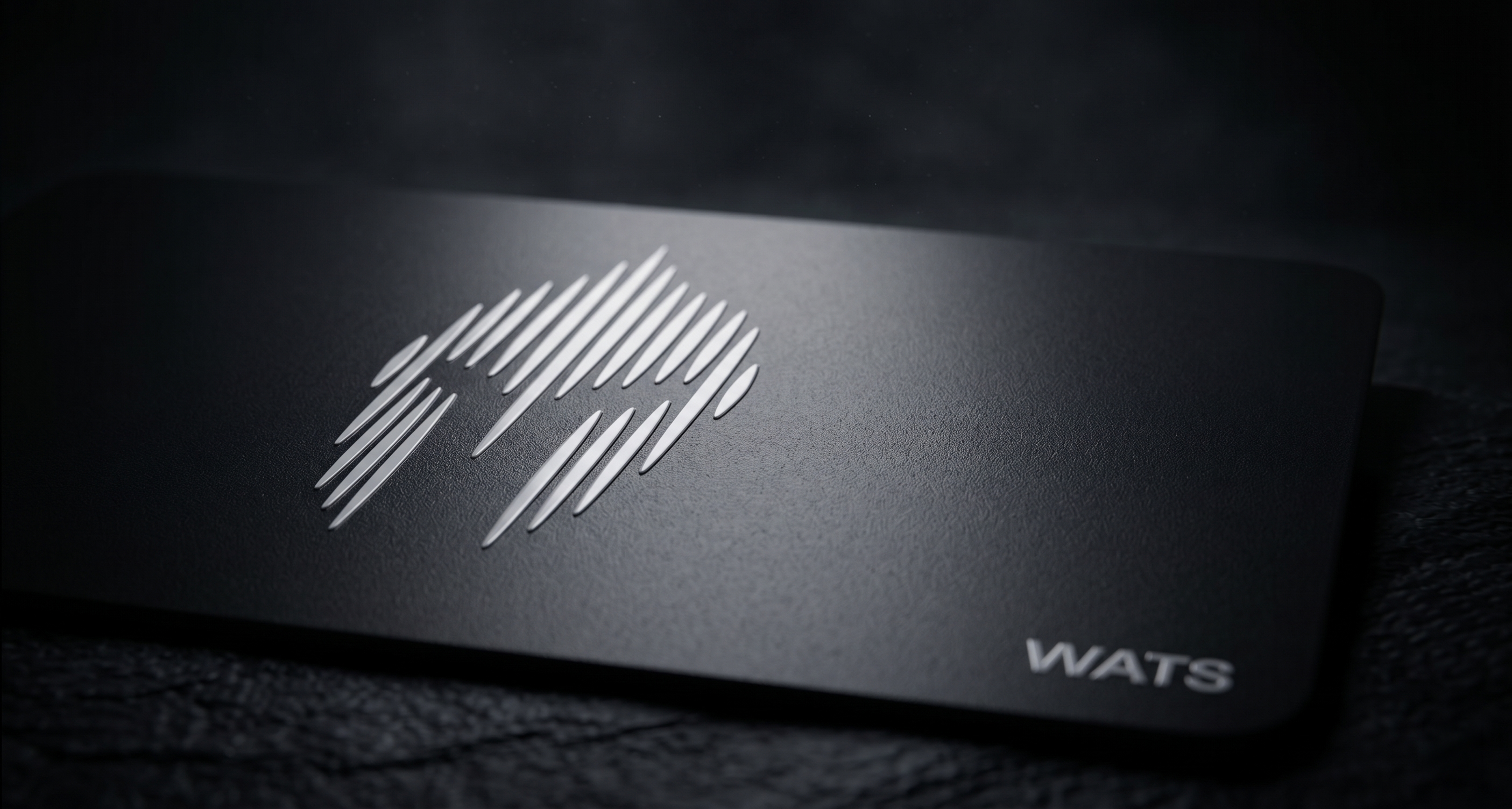
Plastic series
Lightweight, discreet, affordable. The everyday card for daily approvals, with a backup copy or two for redundancy.
Use case — daily approvals, first card, replacement copy.
| Starting price | From $54.90 |
|---|---|
| Water | Resistant |
| Fire | Not rated |
| Thickness | 0.8 mm |
| Chip | NTAG216 |
| Frequency | 13.56 MHz |
| X-ray | Resistant |
| Best for | Daily approvals & backups |
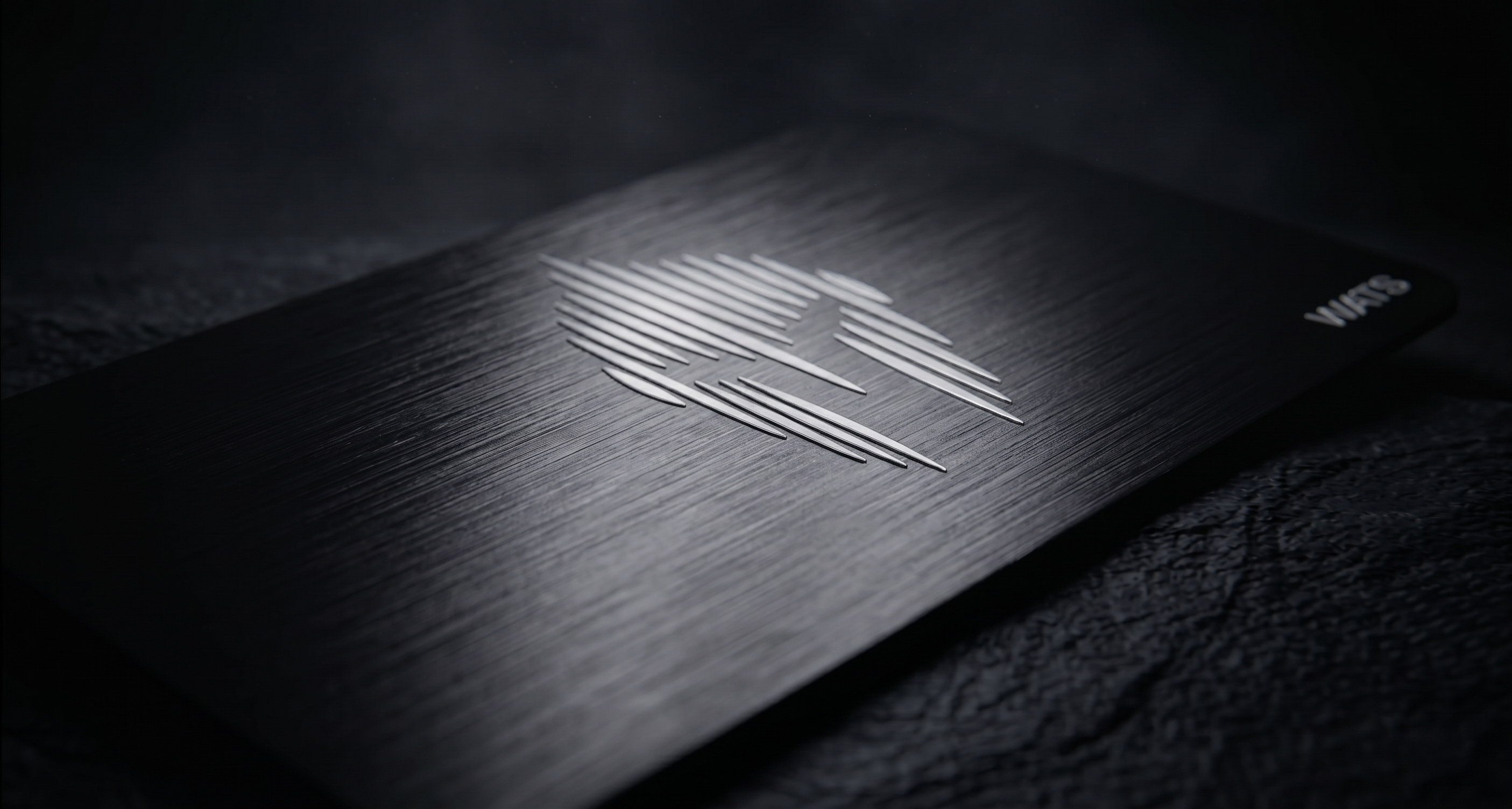
Steel series
UV printing on 304 stainless steel. Fire, water, and time-resistant. Built for high-value wallets where the card must outlive every phone that ever held the app.
Use case — high-value wallets, long-term holders, single-card setups.
| Starting price | From $149.90 |
|---|---|
| Water | IP68 |
| Fire | 1,500°C rated |
| Thickness | 1.2 mm |
| Chip | NTAG216 |
| Frequency | 13.56 MHz |
| X-ray | Shielded · steel housing |
| Best for | High-value, long-term holding |
§ Compare
Compare the two card materials and the four sets side by side, then see which one fits your situation.
| 2 Cards Set | 3 Cards Set | Platinum Set | Exclusive Set | |
|---|---|---|---|---|
| Cards | 2 cards | 3 cards | 1 steel + 2 plastic | 2 steel + 1 plastic |
| Material | Plastic | Plastic | Steel + plastic | Steel (premium) |
| From | $54.90 | $69.90 | $149.90 | $249.90 |
| Ideal for | First-time buyers who want a primary card plus one backup | Holders who want the lowest cost per card and redundancy across locations | Users who want steel durability without going all-steel | Holders of significant balances who want the highest specification |
Plastic
Pros
Cons
Steel (304)
Pros
Cons
Pick the line that matches you:
§ 05 / Order
Three-step configuration
Ready to buy? Configure your set in three steps. No account creation. Shipping and billing details are collected by the payment processor on the final step.
§ 06 / FAQ
Questions, answered
Short, direct answers to the questions buyers ask most. What the Wats Wallet NFC card is, how it pairs with the mobile app, and the practicalities of materials, shipping and payment — answered before you order.
It is a passive NFC security card in credit-card format (ISO/IEC 7810 ID-1, 85.6 × 53.98 mm) that acts as a physical second factor (2FA) for the Wats Wallet mobile app. Every transfer, swap, bridge, and login in the app's hot wallet waits for a tap of this card before the wallet signs. The card body is anonymous, with no branding or markings.
No. It is not a cold-storage hardware wallet and it never stores private keys or seed phrases. The keys stay inside the Wats Wallet mobile hot wallet; the card only confirms your physical presence with a tap-to-approve and never transmits keys. Think of it as a tap-to-approve 2FA key for your existing hot wallet, not a place where coins live.
No. The card is fully passive and draws power from the phone's NFC field only at the moment of approval. There is nothing to charge, no firmware to update, and nothing inside that wears out.
No — there is nothing worth stealing on it, because it never holds or transmits private keys. It is a passive NTAG216 device on the 13.56 MHz NFC band whose only job is to confirm you are physically present, and the wallet won't sign without that tap. Even if someone scanned it, they could not move funds without your phone and your unlocked wallet.
Yes — it works with iPhone and Android phones that have NFC. NFC is standard on iPhone 7 and later and on most modern Android phones. Confirm your phone supports NFC before ordering, because the card stays non-functional on devices without it.
Both share the same NTAG216 chip, the same security, and the same ISO ID-1 dimensions, so the choice is about durability. The 304 stainless steel card is UV-printed, water-rated to IP68, fire-rated to 1,500°C, 1.2 mm thick and x-ray shielded, from $149.90 — best for high-value or single-card setups. The plastic card is direct-printed, water-resistant (not fire-rated), 0.8 mm thick and x-ray resistant, from $54.90 — ideal for daily approvals and backup copies.
Nothing moves on its own — a lost card alone cannot move funds, because it never holds your keys; someone would also need your phone and your unlocked wallet. Recover access through the Wats Wallet app, and order more than one card so a backup is always paired and ready. The quick reference in the box lists the recovery steps.
Lead time is 5–8 business days, and worldwide shipping is a flat $15. Every parcel ships in plain, unmarked packaging with no logo and no reference to the product. Taxes and duties are not included.
There is a 14-day return policy, with returns sent back by mail. If a parcel is refused on delivery, the order is automatically refunded. Note that taxes and duties are not included in the price.
No — no store account is required and there is no KYC. Shipping and billing details are collected only on the final checkout step and forwarded to the payment processor. You order as a guest.
Payment is in USDT on Binance Smart Chain (BEP-20) only. The server generates a unique deposit address bound to your specific order, and you have a 20-minute window to send the exact amount. No store account and no KYC are required.
The Wats Wallet app is a free mobile hot wallet for iOS and Android that the card pairs with, and it requires NFC (iPhone 7+ and most modern Android phones). It is open source under the MIT license, sends no telemetry, operates offline, and has an independent audit scheduled for Q1 2026. Pairing happens locally on the device and the card's serial never leaves your phone.
Set-up takes three steps: order a set, install the free Wats Wallet app and pair the card by tapping it on the back of your phone over NFC, then tap the card to approve every transfer, swap, bridge, and login. Pairing happens locally on your device and the card's serial never leaves your phone.
Choose by how much you hold and how much durability you want: the 2 Cards Set (from $54.90) is the minimum primary-plus-backup setup, the 3 Cards Set (from $69.90) gives the best price per card with redundancy across locations, the Platinum Set (from $149.90) adds a fire- and water-resistant steel card, and the Exclusive Set (from $249.90) is the highest-specification flagship for significant balances.
Orders ship within a 5–8 business-day lead time, with flat $15 worldwide shipping in plain, unmarked packaging. You receive a tracking link by email the moment the parcel ships.
Plastic cards start at $54.90 and steel cards at $149.90, with sets ranging up to $249.90 for the flagship Exclusive Set. Worldwide shipping is a flat $15; taxes and duties are not included.